Wind & Weather Meter Quick Start Guide Follow

1. Connect the WINDmeter or WEATHERmeter
-
Download Wind & Weather Meter app available on iOS and Android.


- Accept permissions and set initial preferences.
- Press the button on your WINDmeter or WEATHERmeter to power it on. It will automatically connect, Bluetooth pairing is not required. A Start button will appear indicating the WEATHERmeter is connected and ready to sample.
2. Take a Measurement
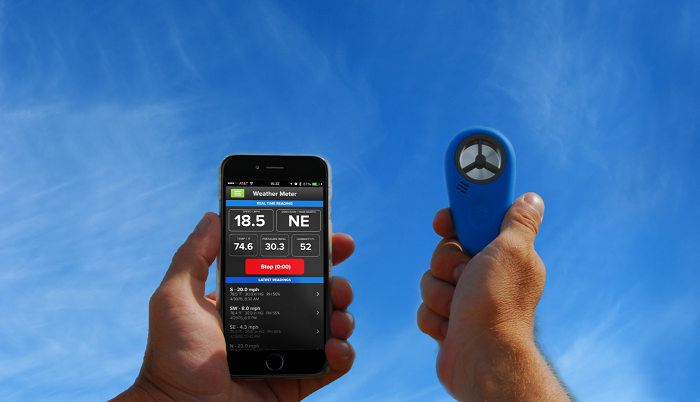
- Hold the WINDmeter or WEATHERmeter into the wind with the logo facing you.
- Press Start to begin sampling and Stop to end the sampling period.
See the full WIND & WEATHERmeter User Guide.
Comments
0 comments
Article is closed for comments.